How to restart your Rogers Ignite gateway — the right way

Before an hour on hold with Rogers, spend 7 minutes here. The proper restart clears a large share of Ignite connection problems — and it's the first thing their support will ask for anyway.

Last reviewed: September 2026 · Written in plain English by Ryoma Wyles, Senior Network & Internet Engineer at MapleLink Support Inc.

Jump to a step
  1. Unplug from the gateway itself
  2. The full 60 seconds
  3. Hands off for 5 minutes
  4. Read the light
  5. Recurring restarts mean something
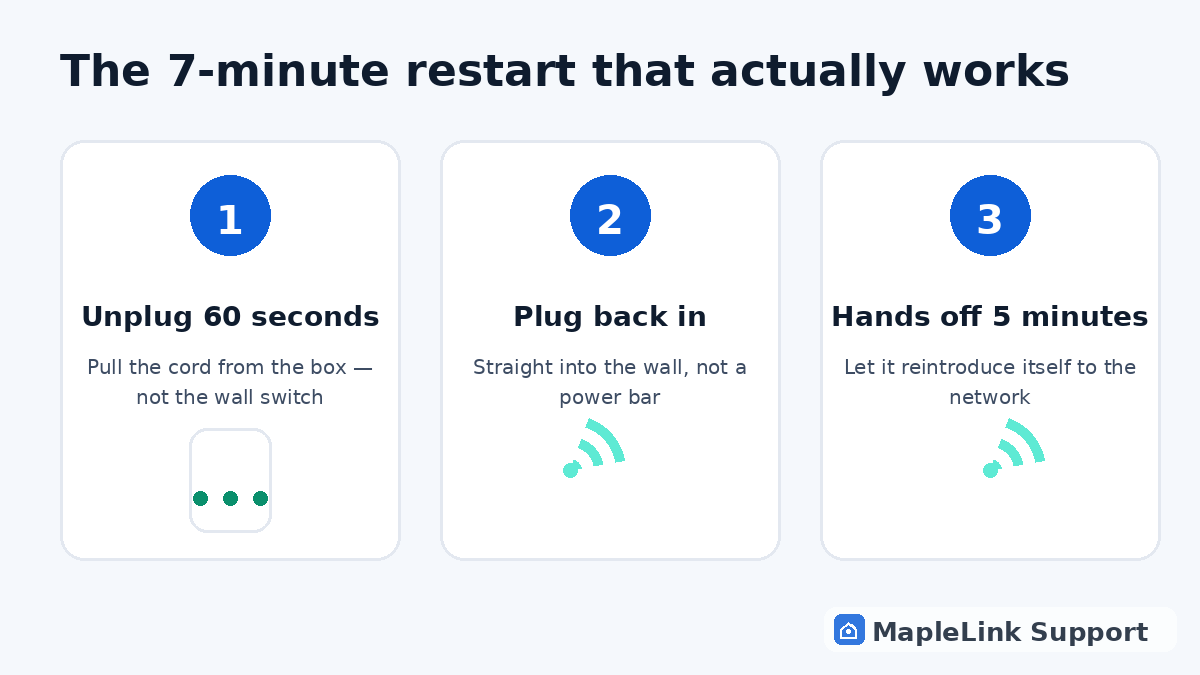
Diagram of the 3-step Rogers Ignite gateway restart: unplug 60 seconds, plug back in, wait 5 minutes
1
1 minute

Unplug from the gateway itself

Pull the power cord from the back of the tall white gateway — not the wall outlet, and definitely skip the power bar if one's in the middle (they quietly cause dropouts).

2
1 minute

The full 60 seconds

The gateway holds a memory of its broken connection for up to a minute. Five-second restarts just wake the problem back up. Count to 60.

3
5 minutes

Plug back in, walk away

Five minutes of untouched boot-up while it re-registers with Rogers. It looks idle; it isn't.

4
1 minute

Read the light

Solid = you're back. Blinking past 10 minutes, or red = it can't reach Rogers — check the outage page, then it's a Rogers call or a hardware swap.

5
1 minute

Recurring restarts mean something

Weekly restart dependence = overheating (closed cabinets, behind TVs) or dying hardware. Open-air placement first; if restarts continue, the gateway needs replacing — a conversation to have with Rogers, and we'll document it for you.

Safe: your WiFi name, password, and all settings survive every restart.

Still stuck? We fix it in your home — same day.

Flat $139 · diagnosis + repair included · evening & weekend slots.
If we can't fix it, the visit is free.

Chat with us now

Related guides

Rogers WiFi connected but no internet →Modem lights, explained →Is it an outage? →Rogers WiFi connected but no internet → All our Rogers guides →

Quick answers

How do I restart my Rogers Ignite gateway?
Unplug its power for a full 60 seconds, plug back in, wait 5 minutes. That's the entire correct procedure.
Will restarting delete my Ignite WiFi settings?
No. Nothing about your network name, password, or pods changes.
Why does my Ignite internet keep needing restarts?
Usually heat or age. If it needs weekly restarts, the gateway is telling you it's failing.