How to restart your TELUS modem — the right way

Quickly flicking the power button almost never works. A proper restart takes 7 minutes, fixes a huge share of internet problems, and is the first thing any support line will ask you to do — so do it properly once.

Last reviewed: September 2026 · Written in plain English by Ryoma Wyles, Senior Network & Internet Engineer at MapleLink Support Inc.

Jump to a step
  1. Unplug it (don't just press the button)
  2. Wait a full 60 seconds
  3. Plug it back in — then hands off for 5 minutes
  4. Check the light
  5. If it's still not working
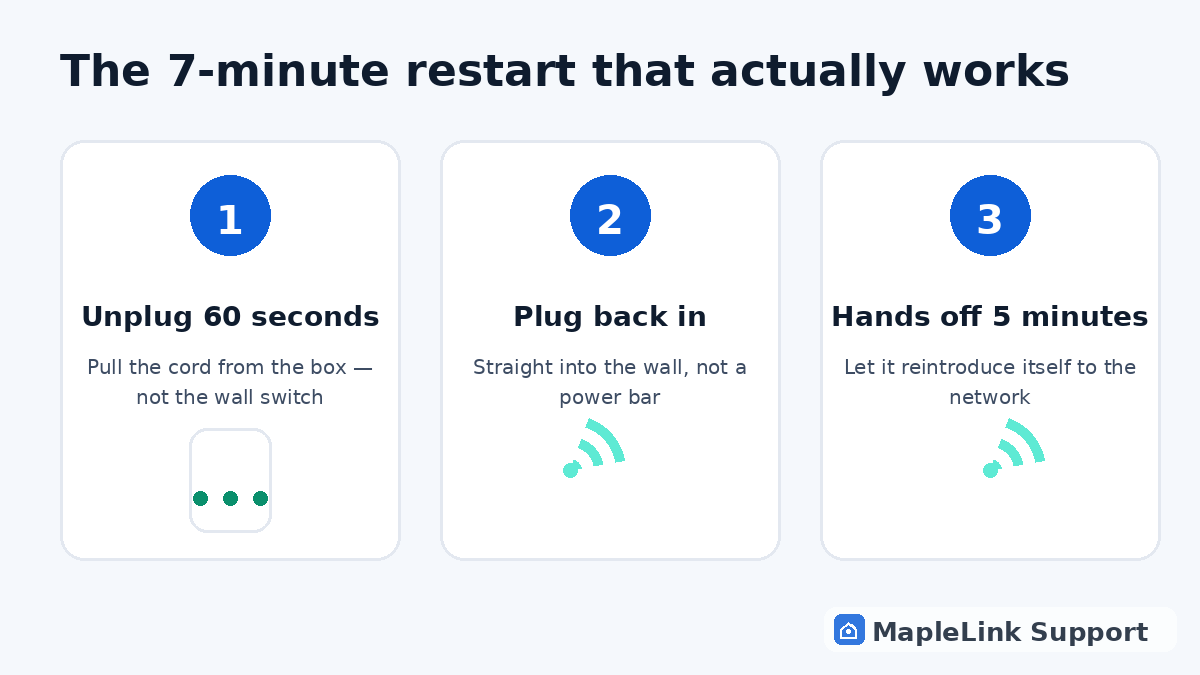
Diagram of the 3-step modem restart: unplug 60 seconds, plug back in, wait 5 minutes
1
1 minute

Unplug the power cord from the back

Pull the power cord out of the back of the white box itself — not just from the wall. If it's plugged into a power bar, plug it straight into the wall socket instead (power bars quietly cause more internet problems than people realize).

2
1 minute

Wait a full 60 seconds

This is the step everyone skips, and it's the whole point. The box keeps a short memory of its broken connection — a 5-second off-switch doesn't clear it. Count to 60. Make tea if it helps.

3
5 minutes

Plug it back in and walk away

Plug it in, then don't touch anything for 5 minutes. It looks idle, but it's quietly re-introducing itself to TELUS's network. Poking buttons during this confuses it and starts the clock over.

4
1 minute

Check the light

A solid green (or solid white, on newer boxes) light means you're back online. Blinking means it's still connecting — give it another 3–5 minutes. Red, or no light at all, means the problem is bigger than a restart.

5
2 minutes

Still down? Now you diagnose

If the light never settles after two proper restarts, the next move is finding out whether it's just you or the whole neighbourhood — see our outage-check guide. If it's only your house, that's when a hands-on fix usually pays for itself.

Good to know: restarting will NOT delete your WiFi name, password, or settings. It's completely safe. The only thing it "forgets" is the broken connection that was causing trouble.

Still stuck? We fix it in your home — same day.

Flat $139 · diagnosis + repair included · evening & weekend slots.
If we can't fix it, the visit is free.

Chat with us now

Related guides

TELUS internet keeps disconnecting →How to restart your TELUS modem →TELUS internet slower than your plan →Is TELUS down in your area? How to check →

Quick answers

Will restarting my modem delete my settings?
No. Your WiFi name, password, and all settings stay exactly the same. A restart only clears temporary glitches in the connection.
How often should I restart my modem?
Only when there's a problem. If you're restarting weekly, something is failing — that's a fixable issue, not a routine.
Why does my modem need restarting at all?
Think of it like a phone that's been on for months without a reboot. Little errors pile up in memory until the box can't hold the connection properly.